Example code to create an Azure Function Blob Trigger using Python that imports an Excel file sourced from Azure blob storage, convert to a CosmosDB DocumentList, and save to an Azure Cosmos DB NoSQL database.
Saturday, August 19, 2023
Monday, August 14, 2023
Azure Application Services
Azure App Service
Create front-end and back-end web applications. Development languages supported include:
- ASP.Net
- Node.js
- PHP
- Python
Azure Static Web App
Create front-end static web application that can connect to back-end APIs and services using client-side scripting. Supported front-end frameworks include:
- HTML (no framework)
- Angular
- JavaScript
- jQuery
- React
- Vue
Azure Function App
Create API application that can connect to databases, services, and other APIs triggered by an HTTP Request, Message Queue, or Timer. Development languages supported include:
- C#
- Java
- JavaScript
- Node.js
- PowerShell
- Python
- TypeScript

Application Architecture Styles
N-Tier - traditional architecture for enterprise applications. Dependencies are managed by dividing the application into layers that perform logical functions. Example: presentation, business logic, and data access.
Web-Queue-Worker - this application style has a front-end that handles HTTP requests and a back-end worker that processes requests. The front-end communicates to the back-end through an asynchronous message queue.
Microservices - composed of many small, independent services. Services are loosely coupled and communicating through APIs.
Event-Driven - uses a publish - subscribe where producers publish events and consumers subscribe to them. IoT solutions are a good example of event-driven applications.
Big Data - divides large datasets into smaller chunks of data and perform parallel processing across the entire dataset for analysis.
Big Compute - high performance computing (HPC) makes parallel computations across a large number of processor cores.
Web-Queue-Worker - this application style has a front-end that handles HTTP requests and a back-end worker that processes requests. The front-end communicates to the back-end through an asynchronous message queue.
Microservices - composed of many small, independent services. Services are loosely coupled and communicating through APIs.
Event-Driven - uses a publish - subscribe where producers publish events and consumers subscribe to them. IoT solutions are a good example of event-driven applications.
Big Data - divides large datasets into smaller chunks of data and perform parallel processing across the entire dataset for analysis.
Big Compute - high performance computing (HPC) makes parallel computations across a large number of processor cores.
Types of Data Store Models
Relational Database Management System (RDBMS)
Organize data as a series of two-dimensional tables with rows and columns.
RDBMS solutions include
- Azure SQL
- DB2
- MariaDB
- MS SQL Server
- MySQL
- Oracle
- PostgreSQL
- Teradata (Server)
Key-Value Database (NoSQL)
Stores each data value with a unique key.
- Amazon DynamoDB (Snapchat)
- Azure Cache
- Azure Table
- Cosmos DB
- Redis
Document Database (NoSQL)
A document that can be into an code object. JSON or XML for example.
- Amazon Document DB
- Cosmos DB
- Google Firestore
- MongoDB
Graph Database
Highly-connected datasets. Uses graph structures for semantic queries with nodes, edges, and properties to represent and store data.
- Amazon Neptune
- Cosmos DB for Apache Gremlin
- MS SQL Server
- Neo4j
- Oracle
Object Storage
Storing and retrieving binary files (images, videos, audio, PDFs, documents)
- Amazon Simple Storage Service
- Azure Blob Storage
- Azure Data Lake Storage
Data Files
Simple flat data files used to store and retrieve data.
- Apache Parquet
- Delimited Text Files: Comma Separated Values (CSV), Tab Delimited
- JSON
- XML
Data Analytics
Provide parallel solutions for ingesting, storing, and analyzing data.
- Amazon Athena
- Apache Hadoop
- Apache Spark
- Azure Synapse Analytics
- Azure Data Lake
- Azure Databricks (Spark)
- MS SQL Analysis Services
Tuesday, August 1, 2023
Zion

We entered Zion from the east and went through the historic Zion-Mt. Carmel Tunnel. When you exit the tunnel you get a wonderful view of the Zion Canyon below.
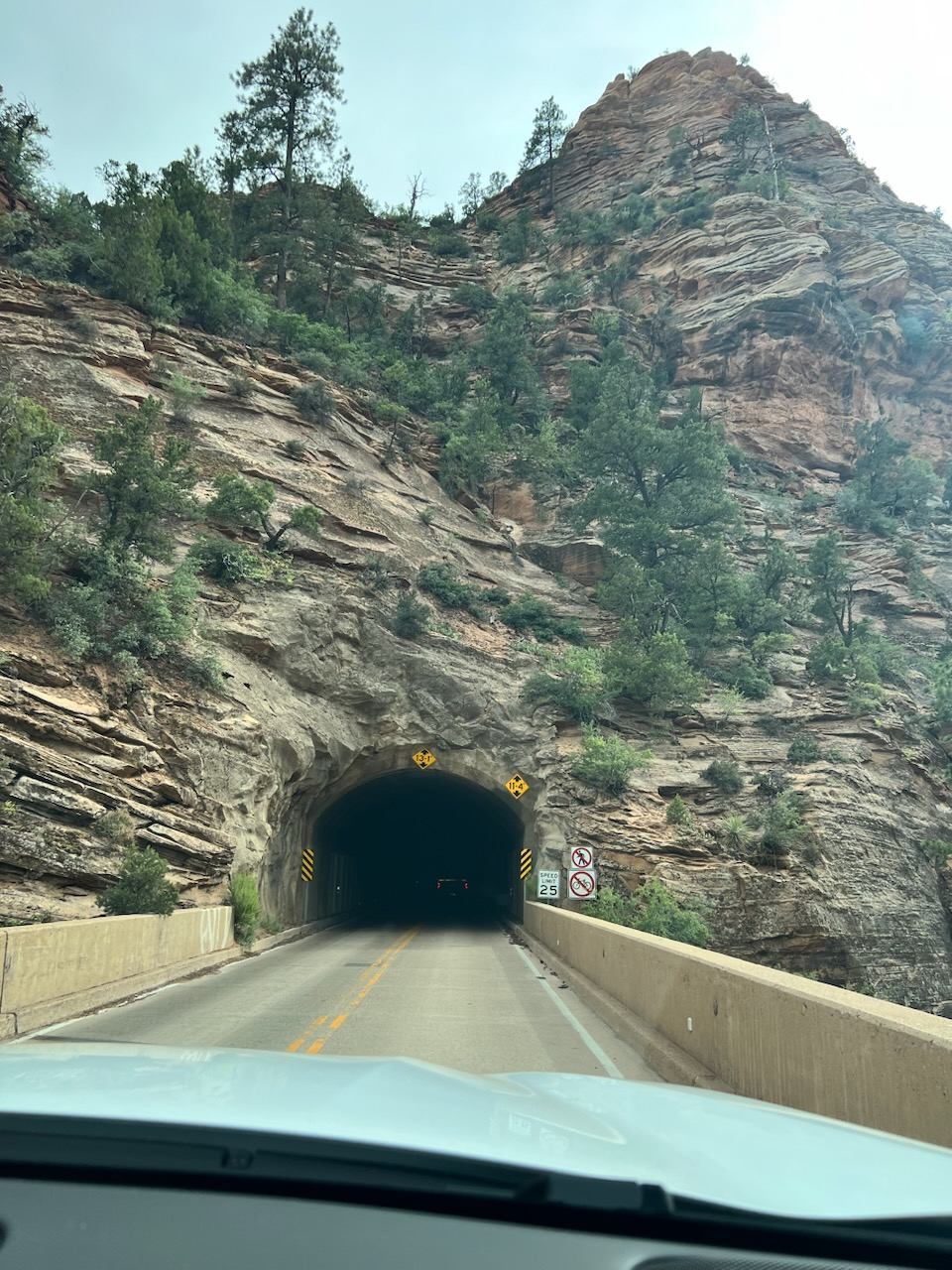
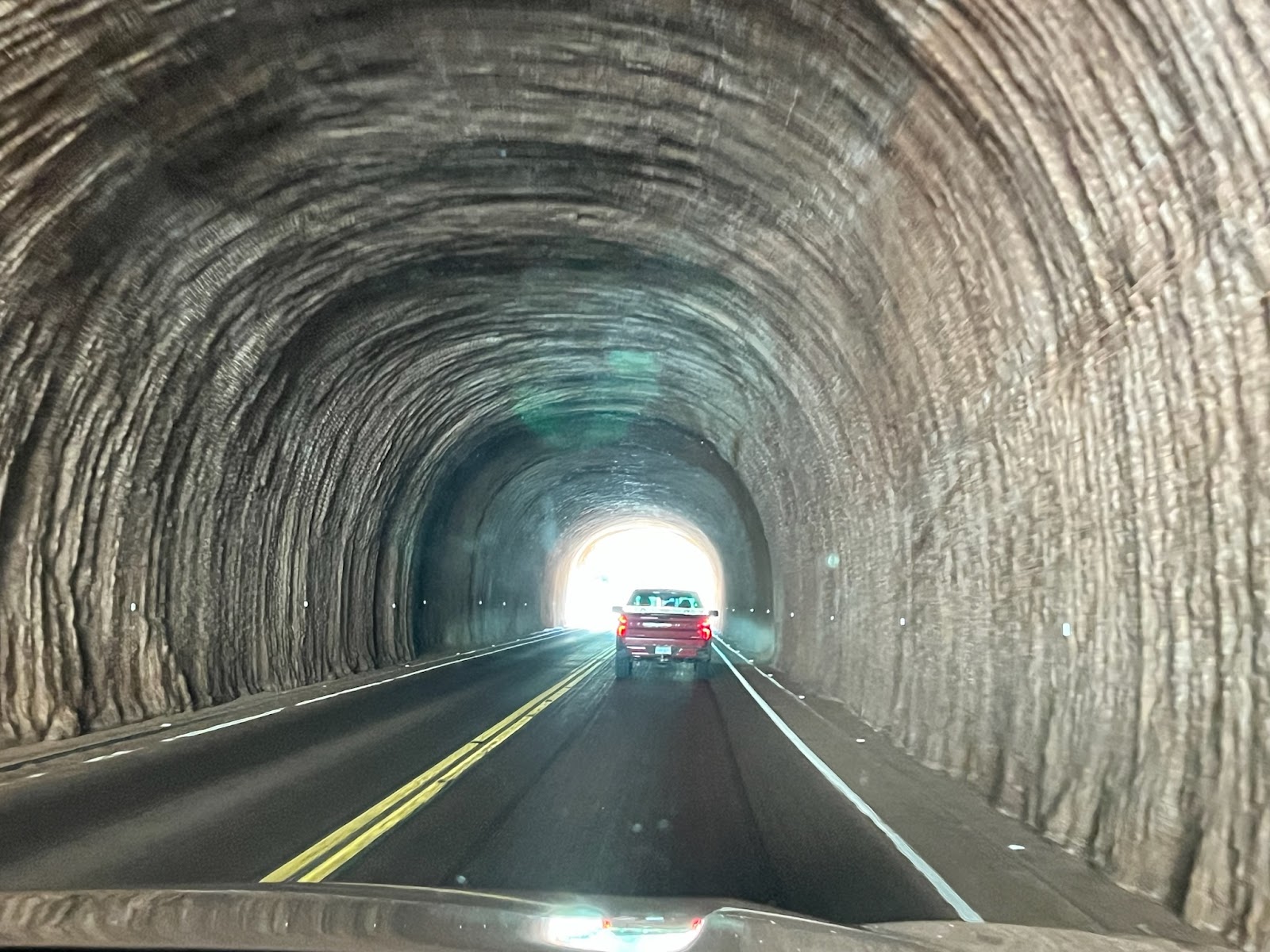

Our first hike was the Riverside Walk that starts at the Temple of Sinawava, the last stop on the Zion Canyon Shuttle. The Riverside is an easy sand covered paved trail the ends at the famous Narrows.


We strapped on our Keen water sandles and up the Virgin River we splashed as the canyon walls got closer and closer together.
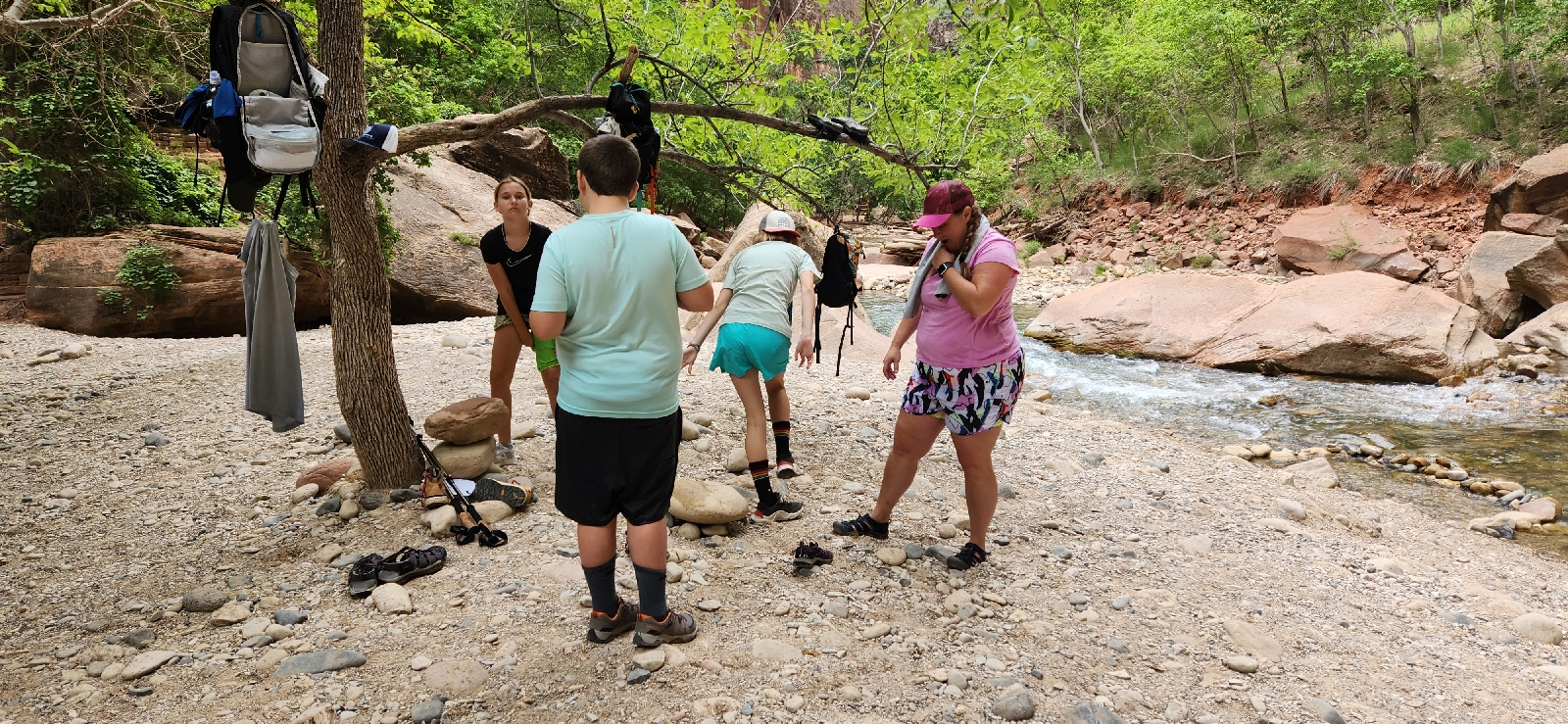
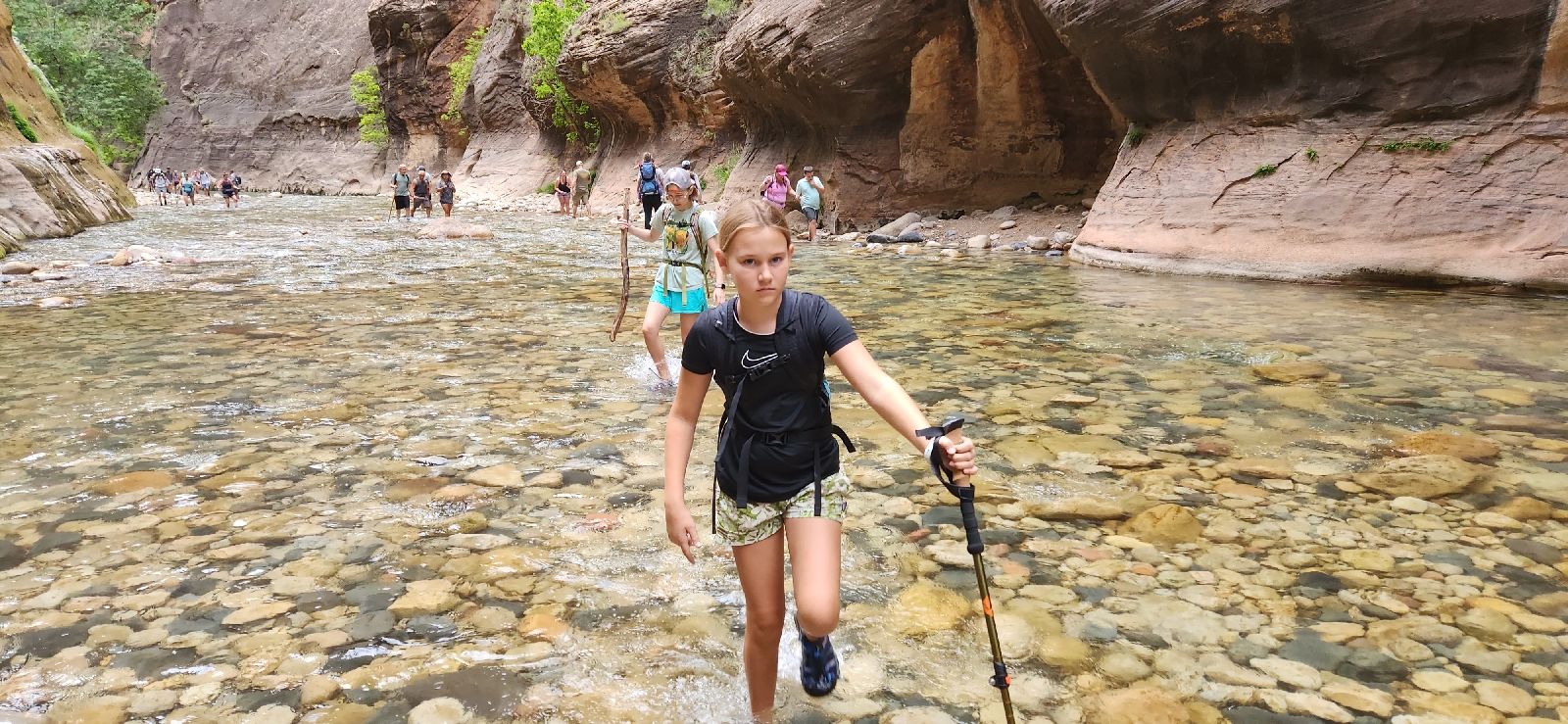

The kids had a great time. They said it was the best hike they had been on "ever". Dad did good.
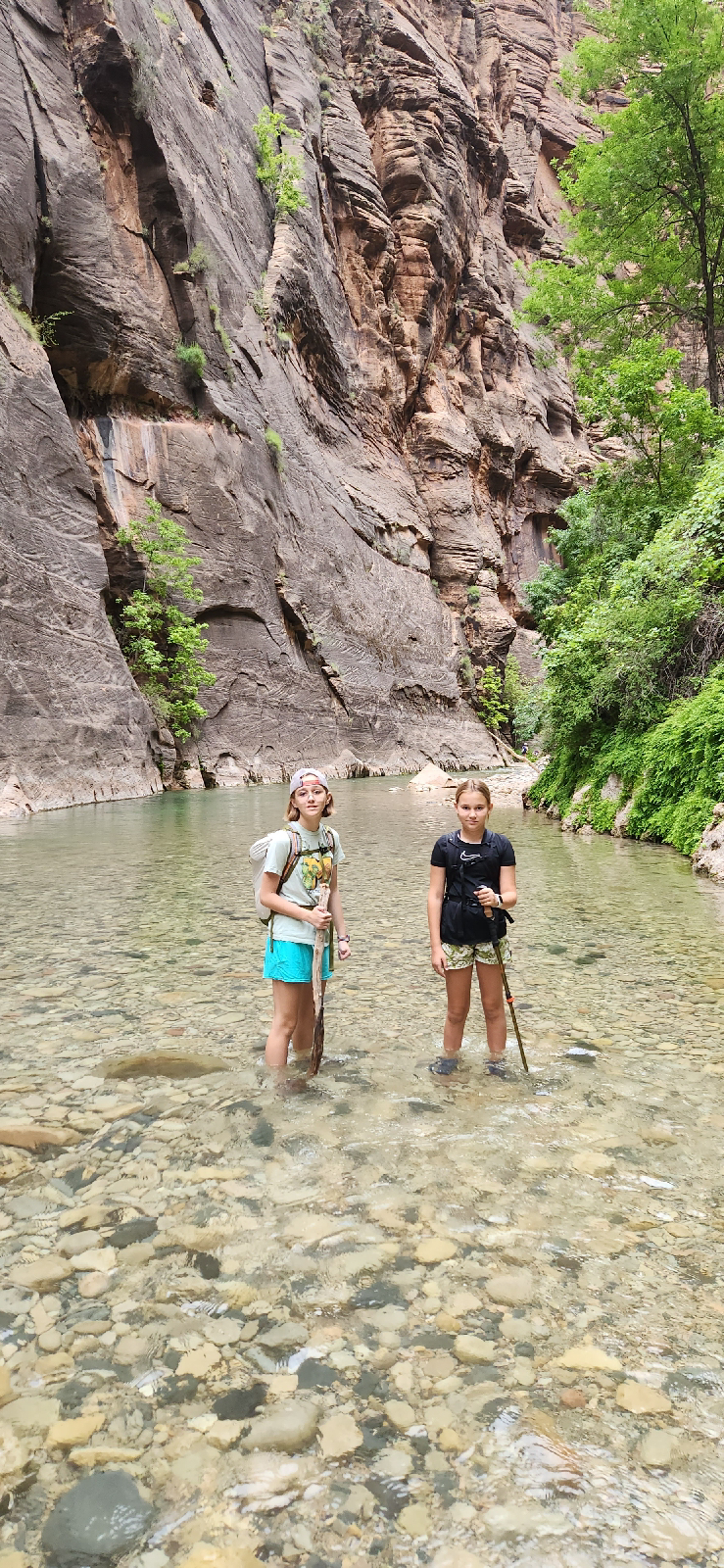
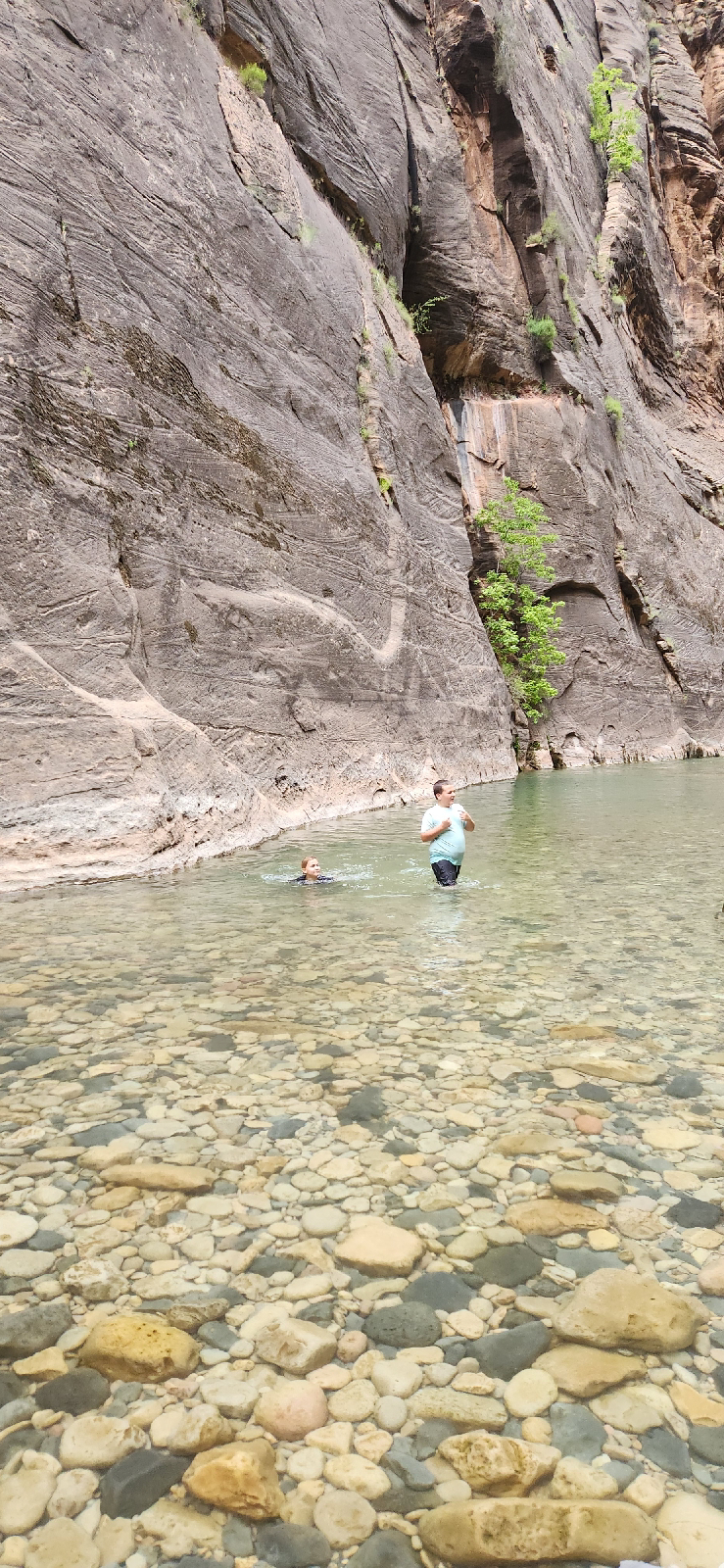
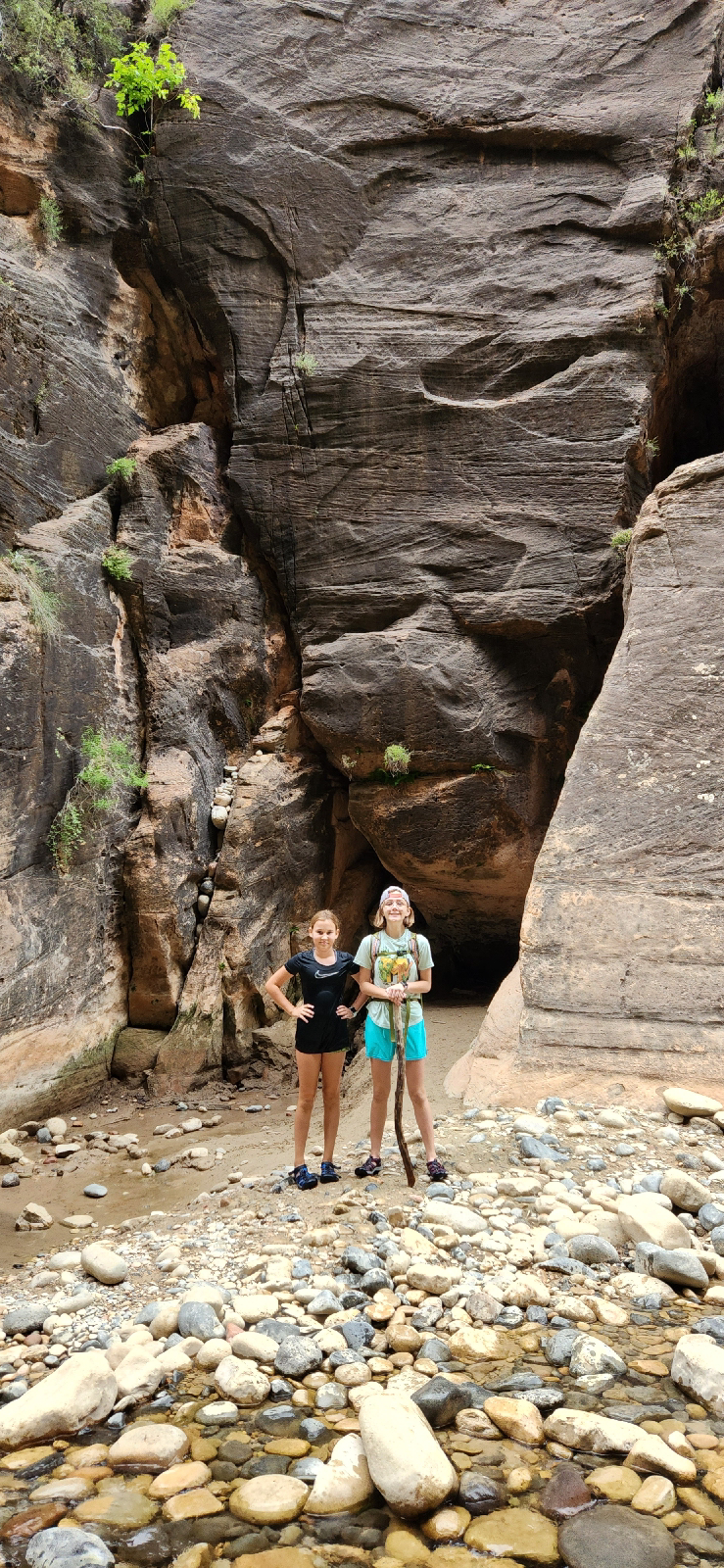


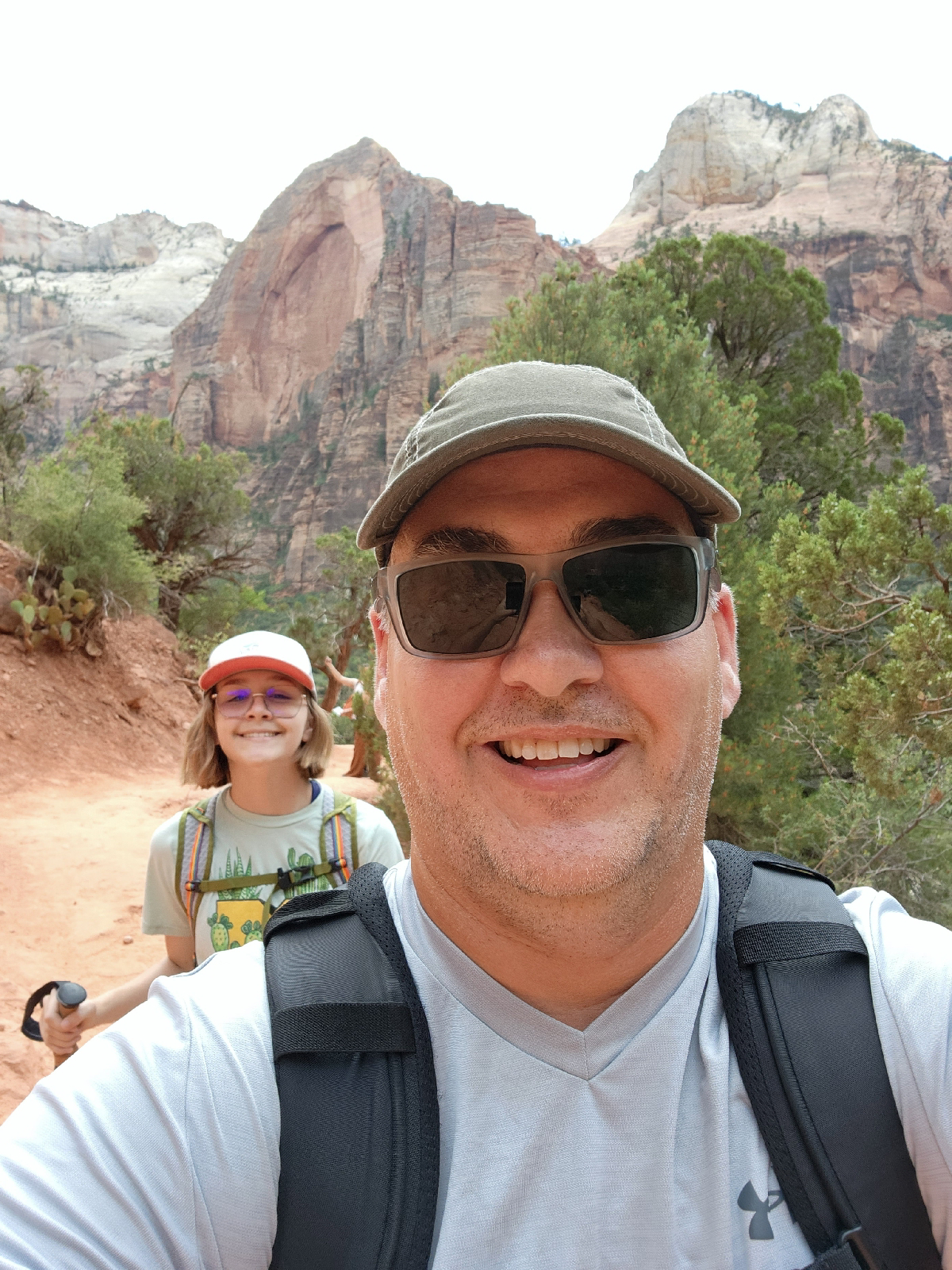


We left Zion the same way we entered through the historic tunnel headed to Bryce Canyon. Before we left Zion National Park we got to see a couple of mountain goats and the Checkerboard Mesa.


Sunday, July 30, 2023
Grand Canyon
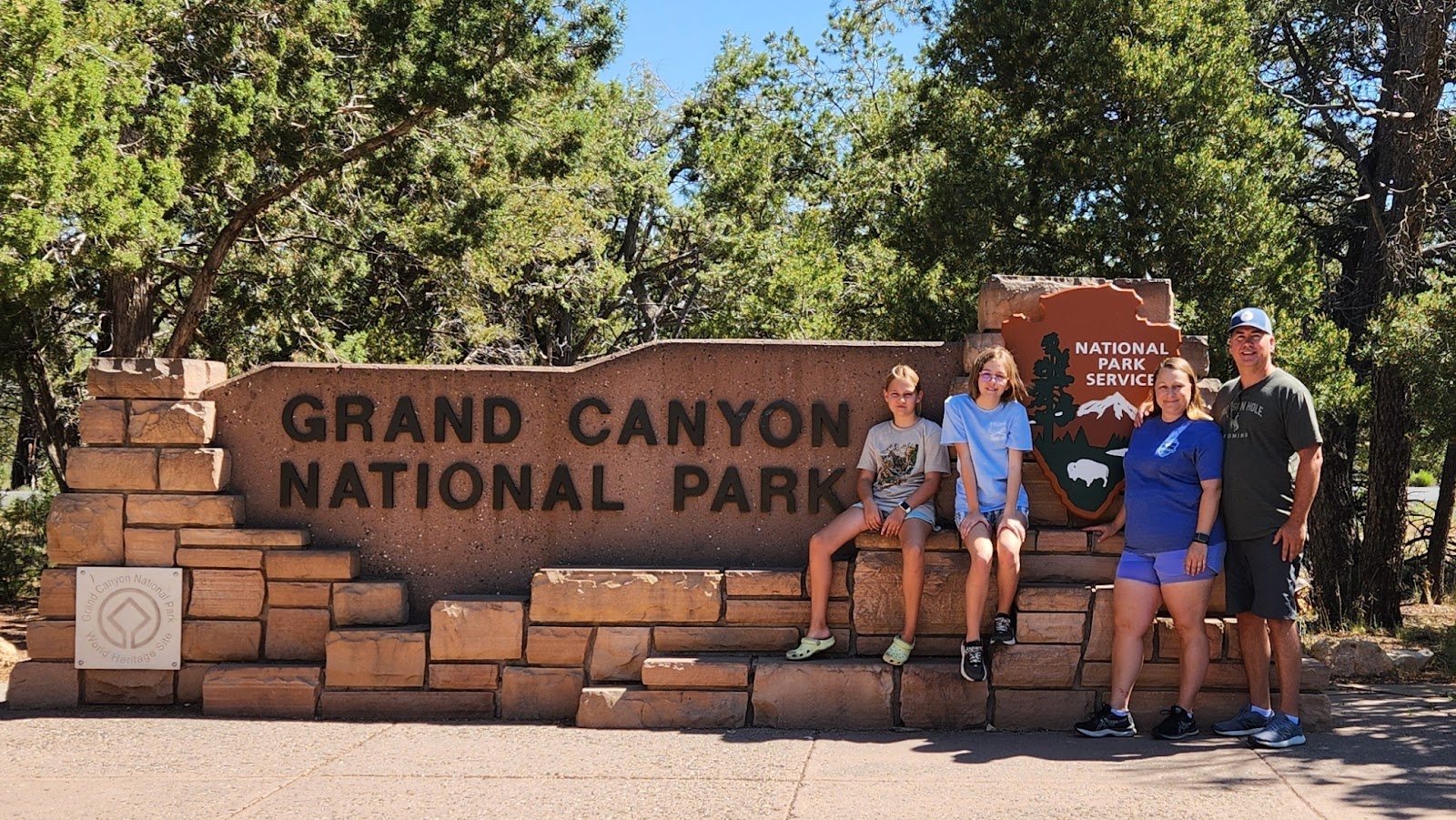


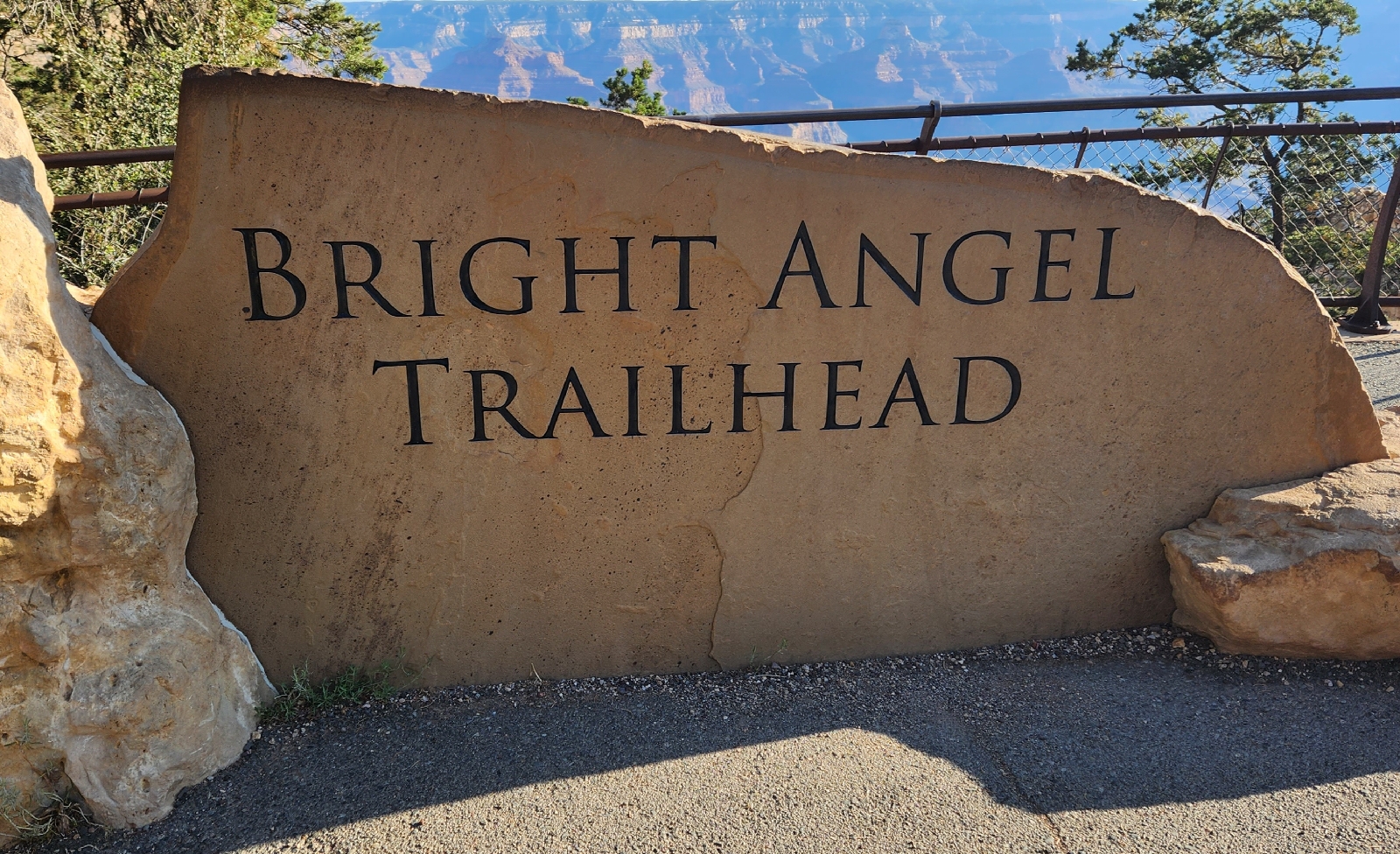
Next we took the Grand Canyon blue line bus to the Hermits Rest transfer where we hiked down the steep Bright Angel Trail. This trail is 6 miles long with a total elevation of 3,000 feet from the canyon rim. Needless to say we didn't go far before turning around and hiking back up.


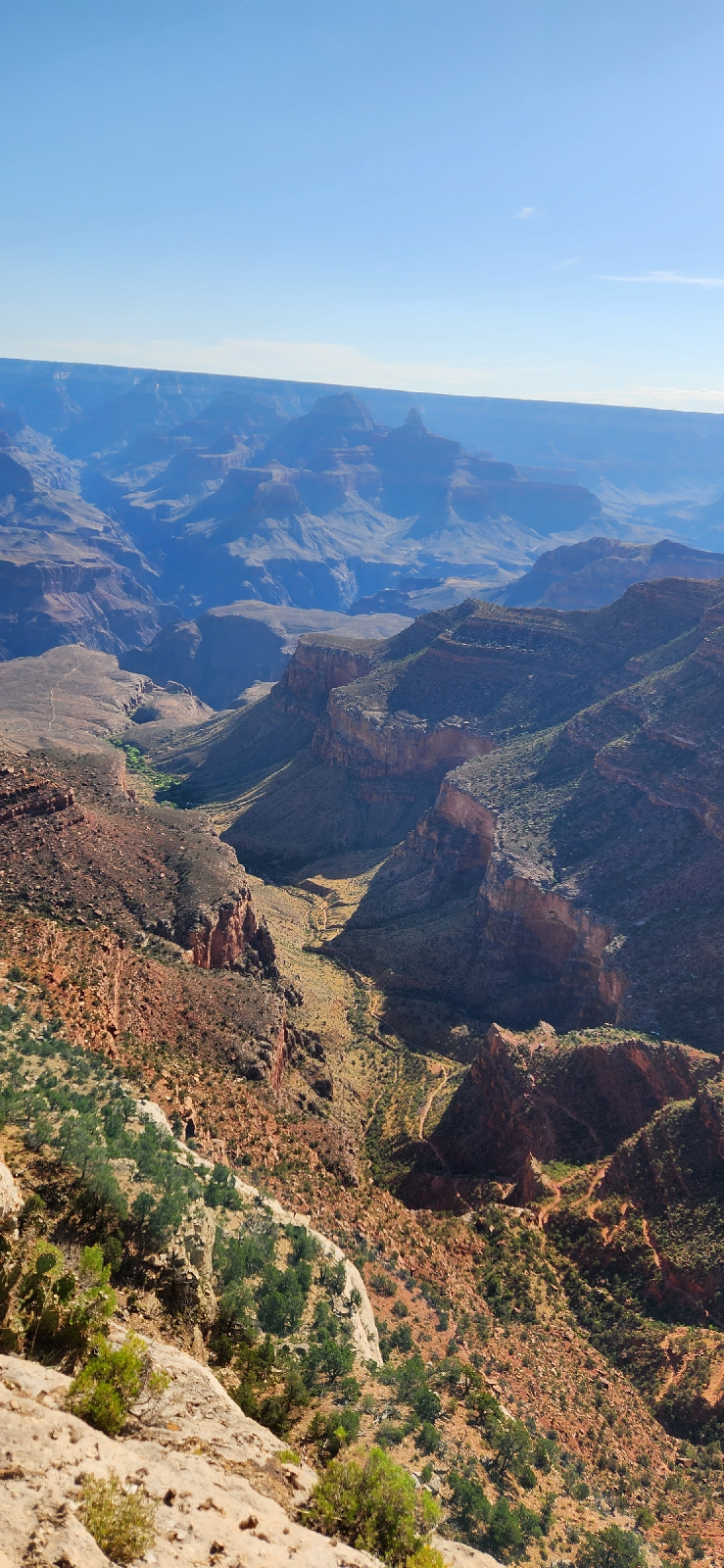
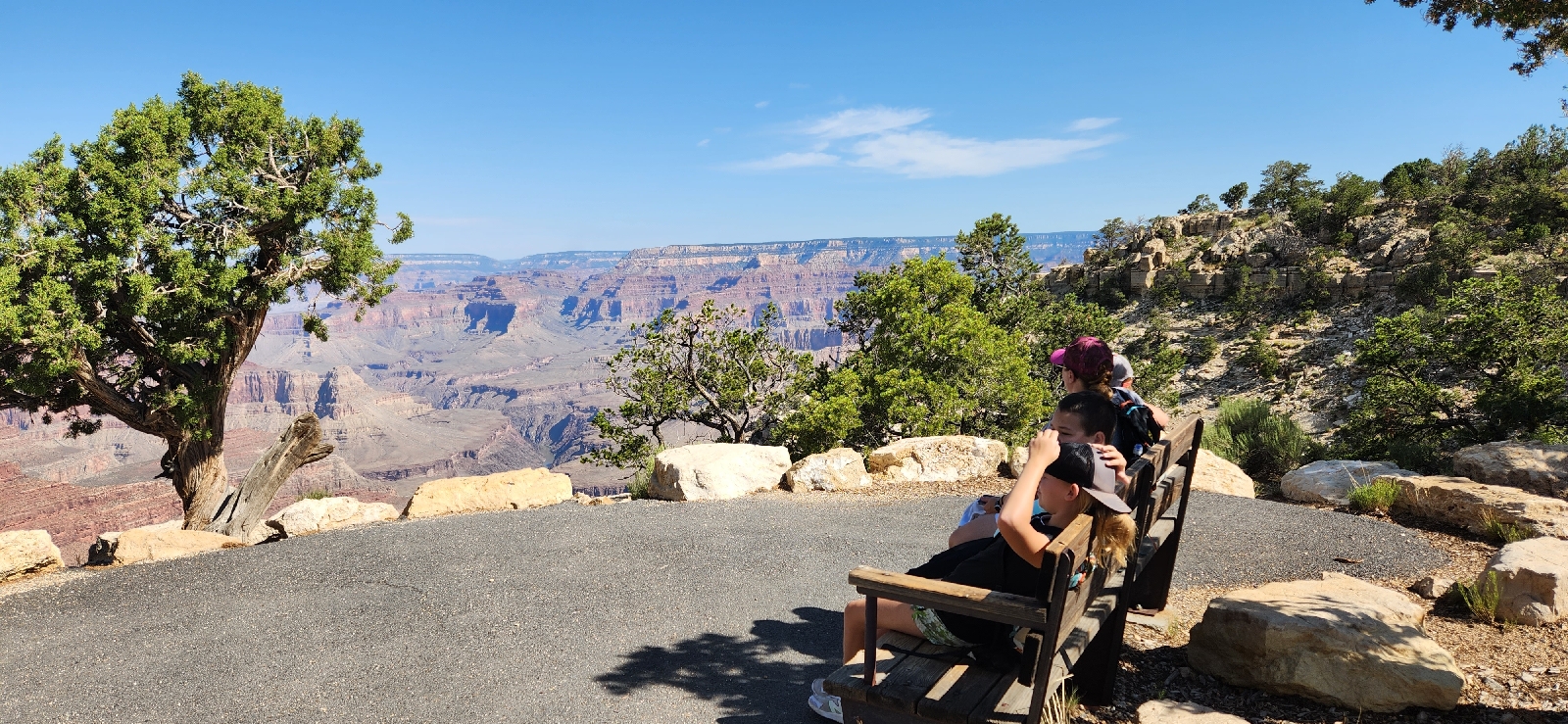
After our short hike we got on the Grand Canyon Red line bus to Hermits Rest. The benefit to starting early was no lines to get on the bus. Our first stop was Trailview Overlook to get a birds eye view of the Bright Angel Trail.



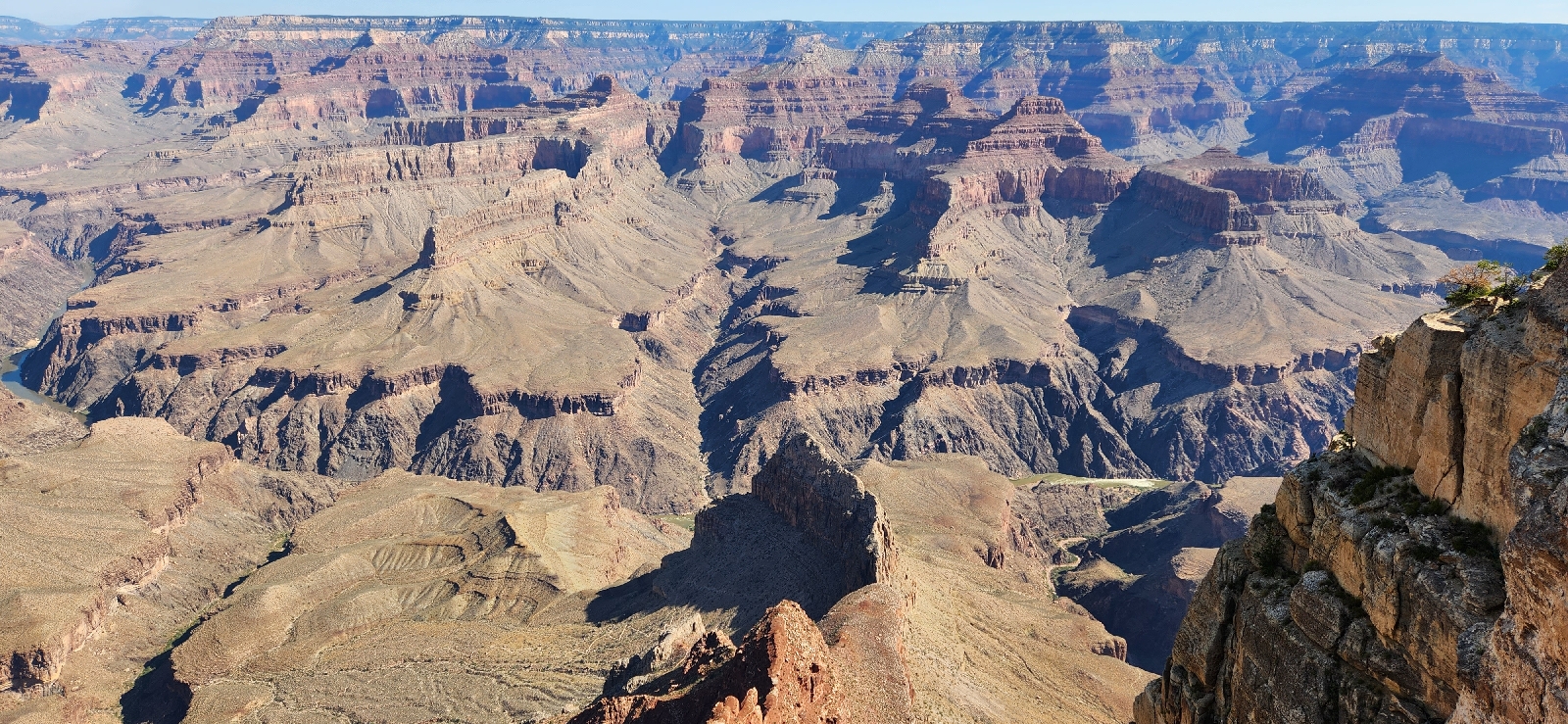
Our next stop on the red line was Mohave Point were we watches the ravens play.

Next we stopped at Pima Point and walked the Greenway Trail to Hermits Rest for post cards, stickers, and treats.


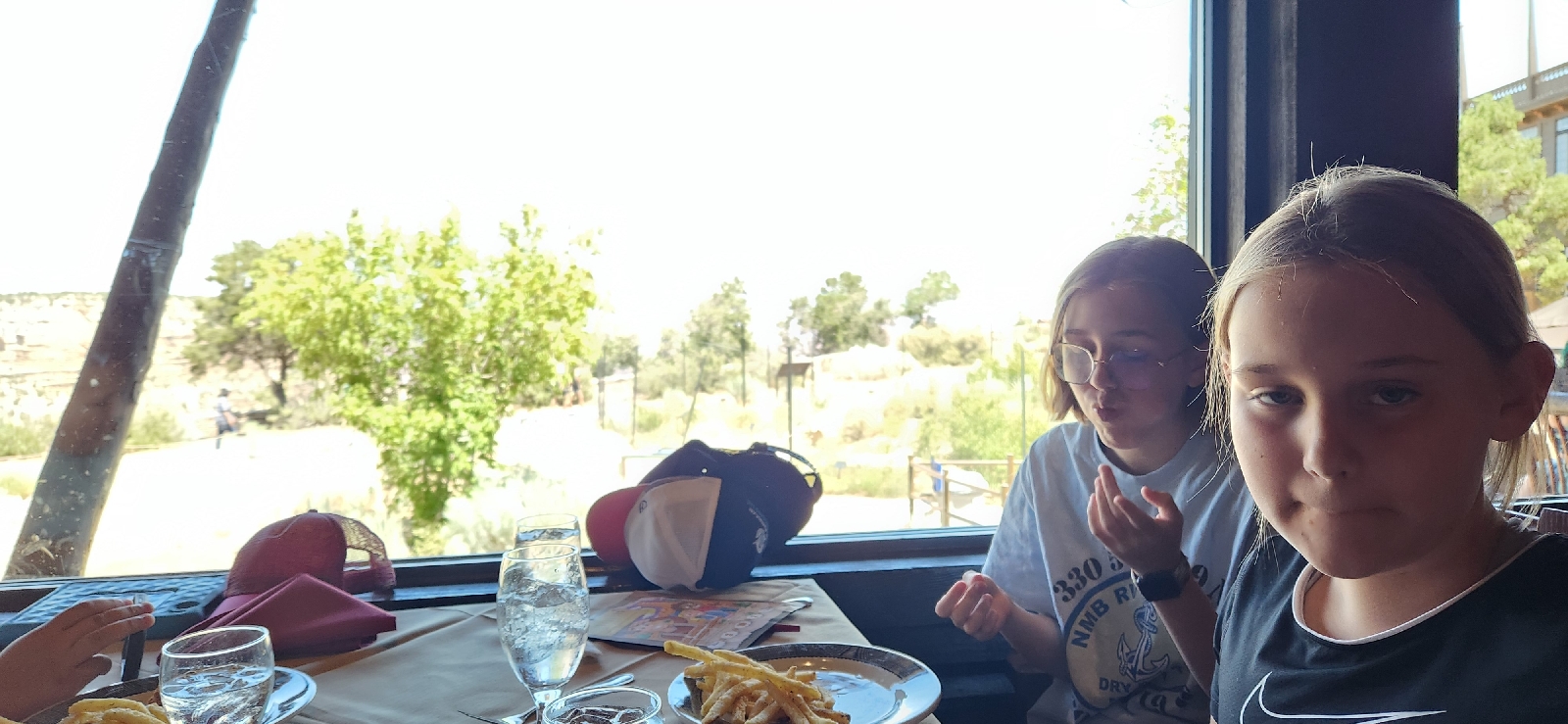
After our visit at Hermits Rest we took the red line back to red line / blue line transfer where I got the notification that our table at El Tovar Dining Room was ready for our lunch reservation. We were seated at a table by the window with good views of the canyon and the Rim Trail. The service at El Tovar was 5 star. Our server Kaleb was amazing and he recommend the Elk Burger that did not disappoint.


That evening we returned to the Grand Canyon for dinner at the Arizona Steakhouse. This restaurant also had good views of the canyon and hikers passing by on the Rim Trail. Our server Kai was great and recommended the Elk chop which was was more like an Elk file. So good!

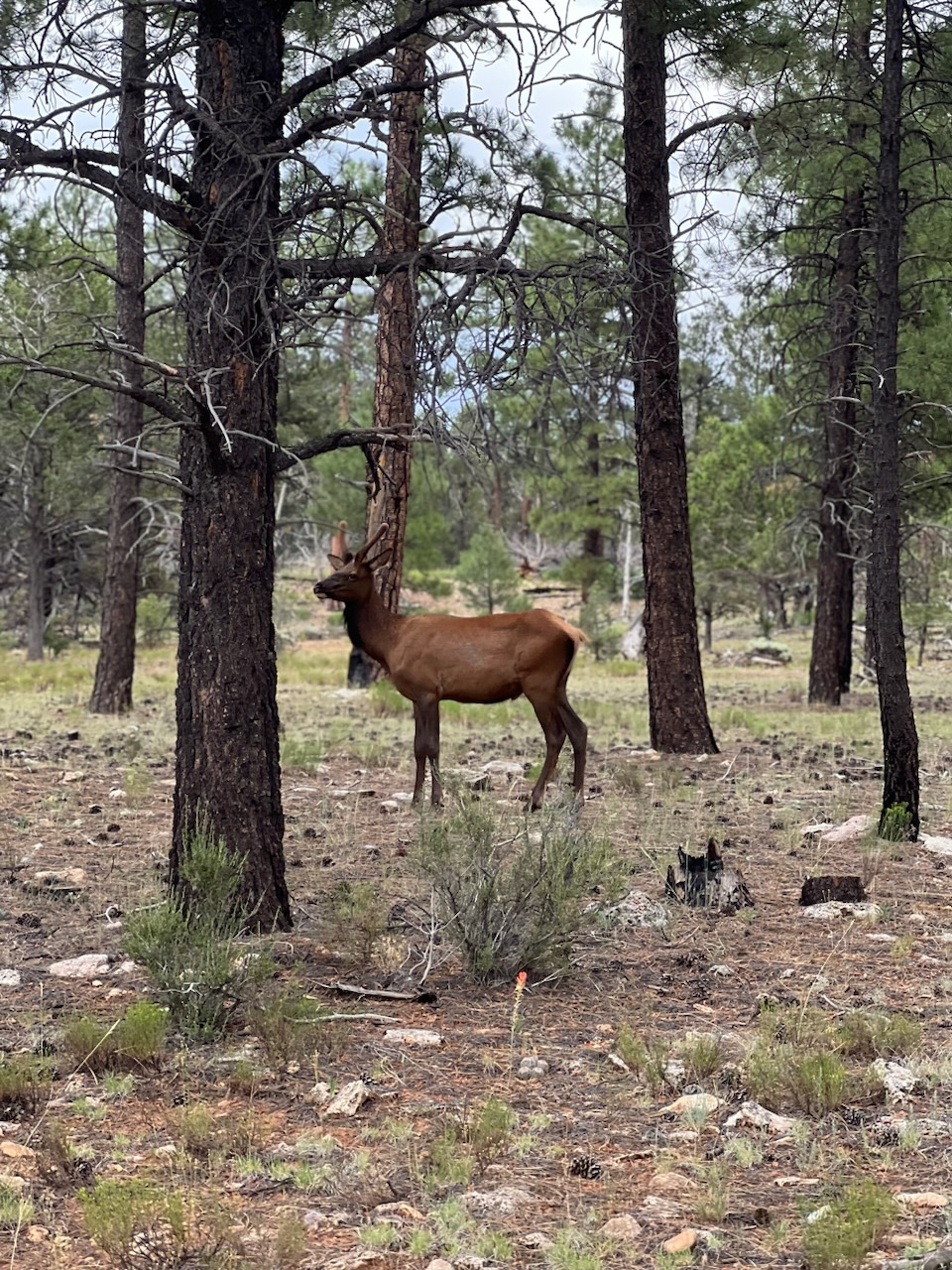
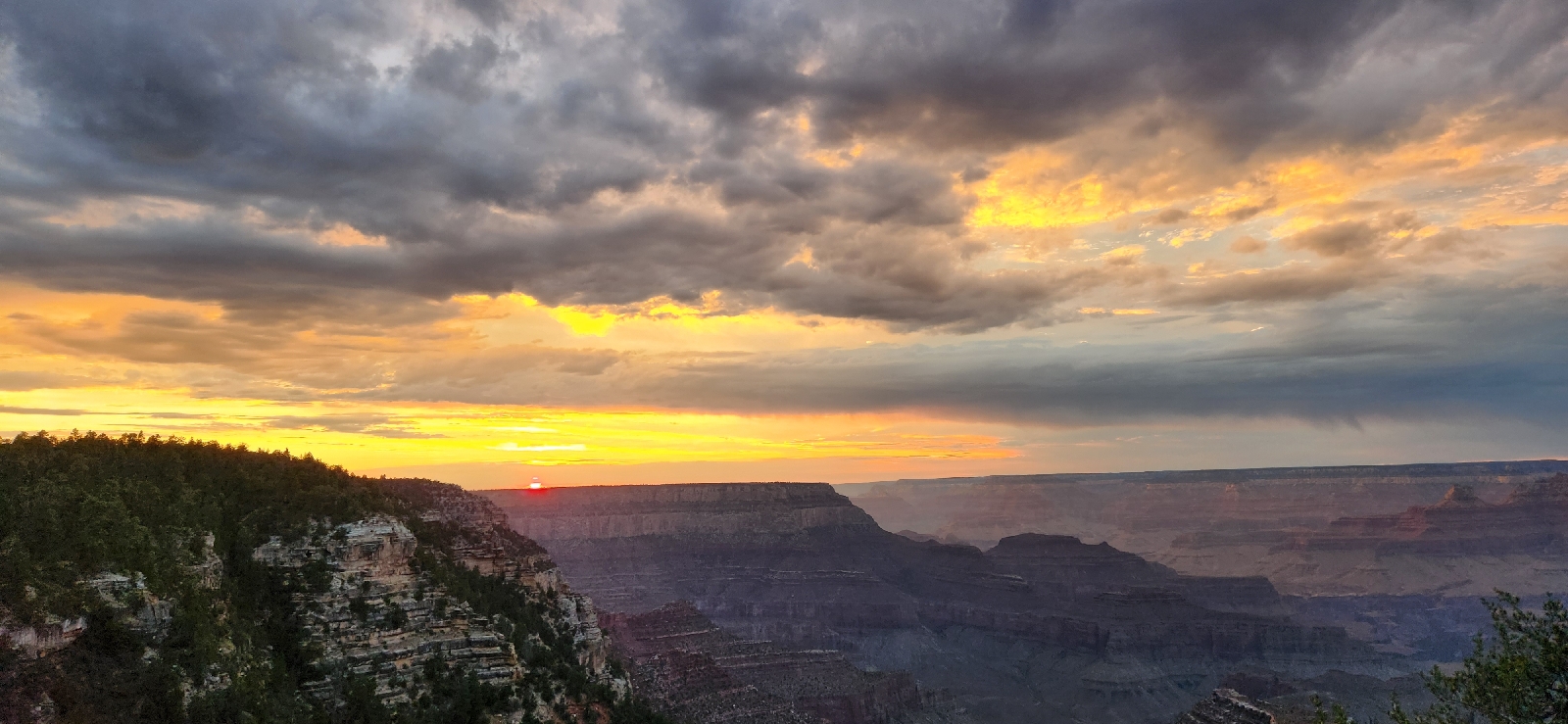
After dinner we drove to Grandview Point for sunset where we also was some local wildlife.
The next morning we went to Desert View on the east side of the Grand Canyon for our last stop before driving north to Zion.


Subscribe to:
Posts (Atom)